

A good free antivirus should protect you quietly in the background without constantly pushing an upgrade. This guide compares six options — Bitdefender Antivirus Free, Microsoft Defender Antivirus, Avast Free Antivirus, Avira Free Security, AVG AntiVirus Free, and Panda Dome Free — covering what each does well, who it suits, what the free version includes, and where it falls short.
How we put this list together: we went through each tool’s official website, pricing page, and documentation, and checked what the free plan actually includes and where the paid tiers begin. Prices and plan limits change often, so confirm the details on the vendor’s site before you commit.
My take
After reviewing these tools, my main takeaway is that the gap between free and paid antivirus has narrowed a lot. Microsoft Defender, which comes built into Windows, now performs well in independent lab tests, so the baseline protection on a modern PC is already decent.
My opinion is that the real reason to install a third-party free antivirus is not detection rates. It is how a tool behaves day to day: fewer interruptions, better web filtering, or a lighter footprint on an older machine. Bitdefender’s free version stands out because it is quiet and does not push upgrades as aggressively as some competitors.
I would also be honest about the business model. Free antivirus companies make money by upselling paid suites, so prompts and notifications are part of the deal. Choose the tool whose prompts you can live with. And remember that browser habits, updates, and backups protect you more than any single antivirus product.
Comparison of 6 best free antivirus software in 2026 with pricing and recommended use cases
Below is a closer look at each tool, followed by our overall recommendations.
What is an antivirus?
An antivirus is security software that detects, blocks, and removes malware, including viruses, trojans, ransomware, and phishing links. Its main job is to stop threats before they cause damage.
Good antivirus reduces risk, gives you control, and cuts recovery time when something slips through.
Think of it like seat belts. Driving 10,000 miles without a belt saves nothing if one crash costs weeks of downtime. A free antivirus that blocks a single ransomware attempt is worth more than a fancy app icon.
At its core, antivirus tools watch file activity, browser traffic, and downloads, compare behavior with known patterns, and quarantine or delete suspicious items. Home users and small teams run it on PCs and phones to keep work moving.
Many people pair antivirus with a password manager, automatic cloud backups, and a privacy‑focused browser extension to cover phishing and data loss.
Not every free antivirus is equal, so choosing with care saves time and headaches later.
How to choose the best antivirus
There are many free choices, so it is easy to feel overwhelmed. Names and bundles blur together, and the pop‑ups do not help.
We wrote this guide to help you match a tool to your setup, not to chase features you will never use. The right fit should feel calm and automatic.
Here are some questions you should ask when looking for an antivirus:
- How generous is the free tier, and is real‑time protection included?
- Is it easy to install, update, and run a quick scan without fuss?
- Can it scale from one PC to a whole family without getting heavy?
- What happens to pricing if you add devices or features later?
- Does it include web and phishing protection, not just file scanning?
- Are reports clear, with quarantine details and detection history?
- If you leave, can you uninstall cleanly without leftovers?
- How often are signatures and engines updated, and are there lab results?
- Does it support your OS version and work with your browser choice?
It is a lot to weigh, but the rankings below address each of these points with pros and cons so you can choose faster.
6 best free antivirus in 2026
Here are our top picks for the best free antivirus:
- Bitdefender Antivirus Free
- Microsoft Defender Antivirus
- Avast Free Antivirus
- Avira Free Security
- AVG AntiVirus Free
- Panda Dome Free
1. Bitdefender Antivirus Free
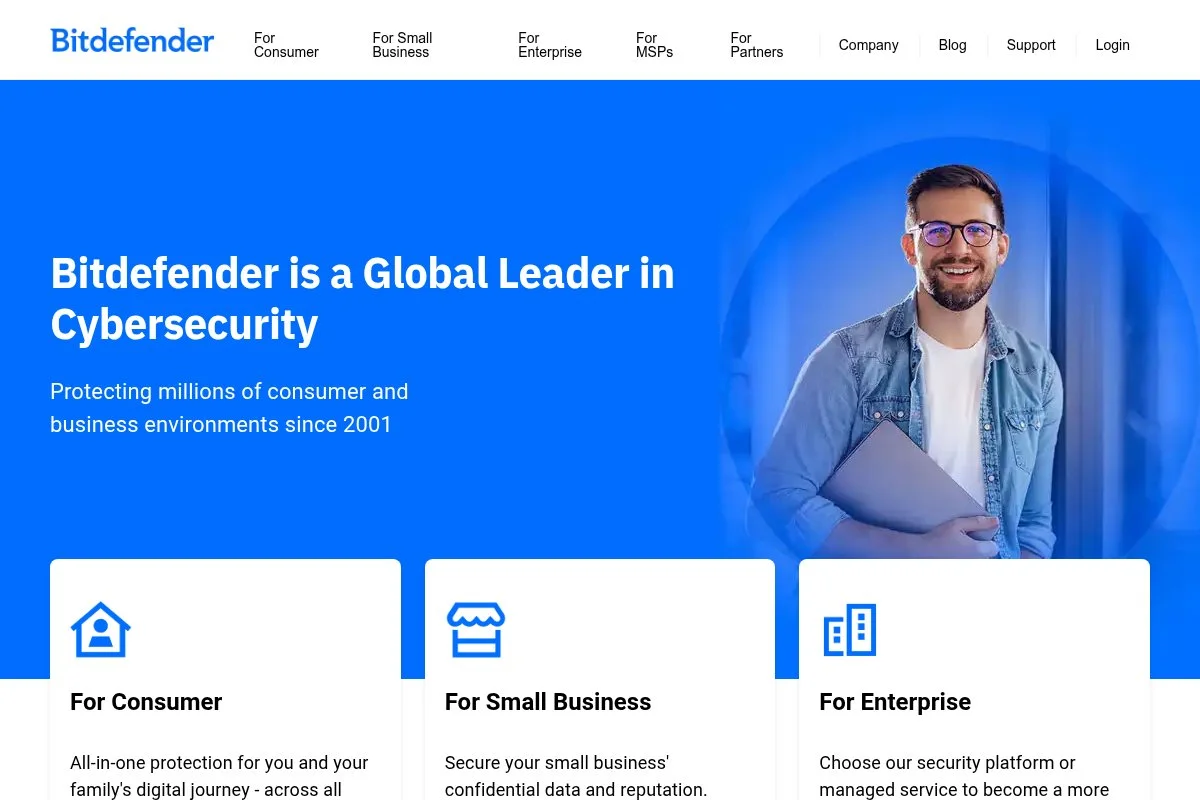
Bitdefender Antivirus Free is a lightweight Windows antivirus focused on core real‑time protection and web threat blocking. Bitdefender is a long‑running player with frequent awards from independent labs like AV‑TEST and AV‑Comparatives.
The free plan installs fast with minimal prompts. The interface is clean, with a simple dashboard, quick scans, and automatic updates. Daily use centers on real‑time scanning, phishing protection via web filtering, and occasional on‑demand scans.
Recent updates have centered on behavioral detection and network‑level filtering, which helps stop zero‑day threats and malicious downloads earlier in the chain. That means fewer surprises from dodgy installers or cracked apps.
Paid Bitdefender tiers add features like firewall control, ransomware remediation, privacy tools, VPN data, and multi‑device coverage. Those upgrades are helpful for families or anyone who needs layered protection beyond the basics.
Bitdefender Free stays quiet in the background.
Another small win: the notifications are plain‑language and not pushy. You can see what happened, what was blocked, and what to do next without sales pressure.
How Bitdefender Antivirus Free works and key features
The dashboard keeps things tidy with a scan button, protection status, and quick actions. There are no heavy control panels to fight. Web protection filters malicious pages and downloads in Chromium‑based browsers and others.
You can run quick, system, or custom scans. Settings allow exclusions and scheduled scans. Power users can tweak real‑time sensitivity and choose what happens to suspicious files.
Reports show detections, quarantines, and actions taken. Updates happen silently. There is no need to babysit signature downloads.
Automation is simple: turn on real‑time and web protection, set a weekly scan, and let it ride. The free version stays focused on core antivirus rather than bundles.
Support resources include a knowledge base and community forum. Paid plans add direct support.
Overall, it strikes a good balance. It is friendly for beginners, with enough control for anyone who wants a clean, quiet setup.
Who Bitdefender Antivirus Free is for
Best for Windows users who want strong, quiet protection. Good for students, travelers, remote workers, and family PCs. It handles phishing, malware, and risky downloads well. If you want firewall control, VPN, parental controls, or identity features, the paid suite or another product will serve you better. No special skills required.
Bitdefender Antivirus Free pricing
Bitdefender uses a freemium model. The free plan covers essential antivirus and web protection on Windows. Paid tiers expand features and device coverage, with frequent regional discounts and renewal pricing that can differ.
- Free: $0/month, single device, includes real‑time protection, web protection, and on‑demand scans
- Antivirus Plus: pricing varies, multi‑device options, adds ransomware remediation, VPN data, and extra privacy tools
- Internet Security/Total Security: pricing varies, up to multiple devices and OSes, adds firewall control, parental controls, and more
Value is strong for the free tier. Paid tiers compete with other big names. Annual billing usually offers savings, and introductory pricing often differs from renewal, so read the checkout page closely.
Pros and cons of Bitdefender Antivirus Free
- Pros: Quiet real‑time engine, strong lab results, clean interface, generous free core protection
- Pros: Clear notifications without hard sales pushes
- Pros: Light impact during gaming or video calls
- Cons: Free plan is Windows‑focused
- Cons: Upsell prompts appear during some tasks
- Cons: Advanced features require paid tiers
If you want simple and effective free protection on Windows, this is our top pick. If you need a suite with extras baked in, compare the paid options.
Bitdefender Antivirus Free reviews
Public crowd ratings change often, so lab reports are the more consistent measure.
2. Microsoft Defender Antivirus
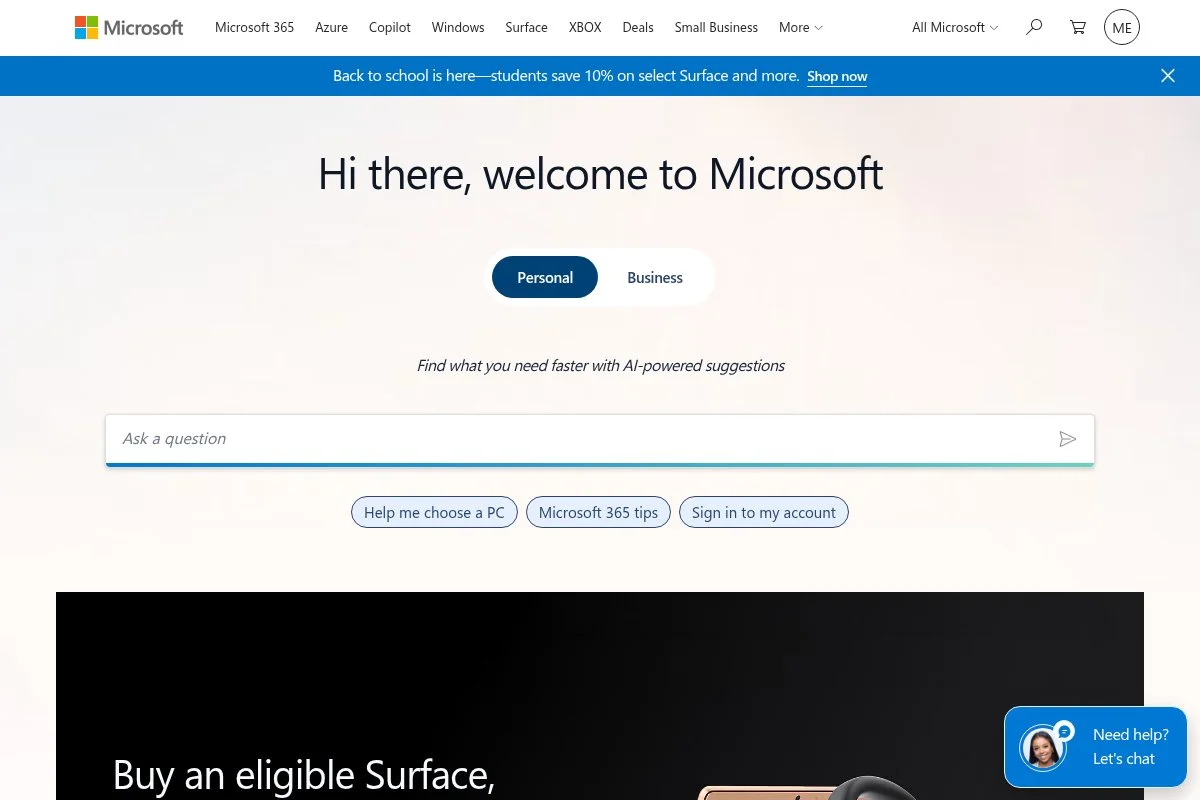
Microsoft Defender Antivirus is built into Windows 10 and 11. It ties into Windows Security with real‑time protection, SmartScreen for websites, and tight integration with system updates. Over recent years, lab results have improved a lot, making it a solid free baseline.
Getting started is zero effort since it is already there. The interface lives in Windows Security with toggles for real‑time, cloud‑delivered protection, and controlled folder access. Quick scans and full scans are one click away.
Recent development has focused on cloud intelligence, phishing warnings in Microsoft Edge, and stronger ransomware safeguards like controlled folder access. For many people, that is enough for day‑to‑day safety.
Extra features live in Microsoft 365 plans, which add cross‑device security dashboards and identity alerts. Home users who want more oversight across phones and PCs may like those bundles.
Defender is active on every new Windows install by default. If you browse in Chrome or Firefox, pairing it with a third‑party web filter adds extra phishing coverage outside Edge.
The best part is the lack of conflicts with Windows updates. It just works, and there is no vendor pop‑up trying to sell add‑ons during a system scan.
How Microsoft Defender Antivirus works and key features
The Windows Security app is the hub. You manage virus and threat protection, firewall, and device security from one place. SmartScreen checks downloads and sites for known threats.
There are clear options for quick, full, and custom scans. You can set ransomware protection through controlled folder access to block suspicious changes to protected folders.
For reports, it logs threat history and actions taken. Updates ship with Windows Update and through cloud‑delivered protection, so definitions stay fresh without manual work.
It integrates with Microsoft Edge for stronger web checks. If you use Chrome or Firefox, you can add Microsoft’s browser extension to carry SmartScreen‑style checks over.
Support is handled through Microsoft’s help docs and community forums. Enterprise features exist, but home users get a simple, solid setup by default.
Overall, this is the easiest path for most Windows users. It is beginner‑friendly with enough control for power users who like native tools.
Who Microsoft Defender Antivirus is for
Best for Windows users who want built‑in protection with minimal hassle. Great for parents setting up family PCs, students, and anyone who prefers native tools. Add a browser extension if you rely on non‑Edge browsers. If you need multi‑platform extras or deeper privacy tools, a suite may fit better.
Microsoft Defender Antivirus pricing
Defender Antivirus is included with Windows at no extra cost. Microsoft 365 plans add cross‑device dashboards and identity alerts for families.
- Included with Windows: $0/month, on‑device antivirus, SmartScreen, and ransomware protections
- Microsoft 365 Personal/Family: pricing varies, adds security dashboard, identity alerts, and additional services
As a free baseline, the value is excellent. If you already pay for Microsoft 365, the added security features come along for the ride, which can reduce the need for a separate suite.
Pros and cons of Microsoft Defender Antivirus
- Pros: Built in, no extra installs, steady lab performance
- Pros: SmartScreen helps stop phishing and downloads
- Pros: Minimal pop‑ups and conflicts
- Cons: Some features feel basic next to paid suites
- Cons: Best phishing protection shows up in Edge by default
- Cons: Reporting is not as detailed as some third‑party tools
Choose this if you want native protection that stays out of the way. If you need richer web shielding across all browsers or extra privacy tools, look at a third‑party option.
Microsoft Defender Antivirus reviews
AV‑TEST and AV‑Comparatives have shown steady gains for Defender in recent consumer Windows assessments. User star ratings vary by site and Windows version, so we weigh lab results more heavily.
3. Avast Free Antivirus
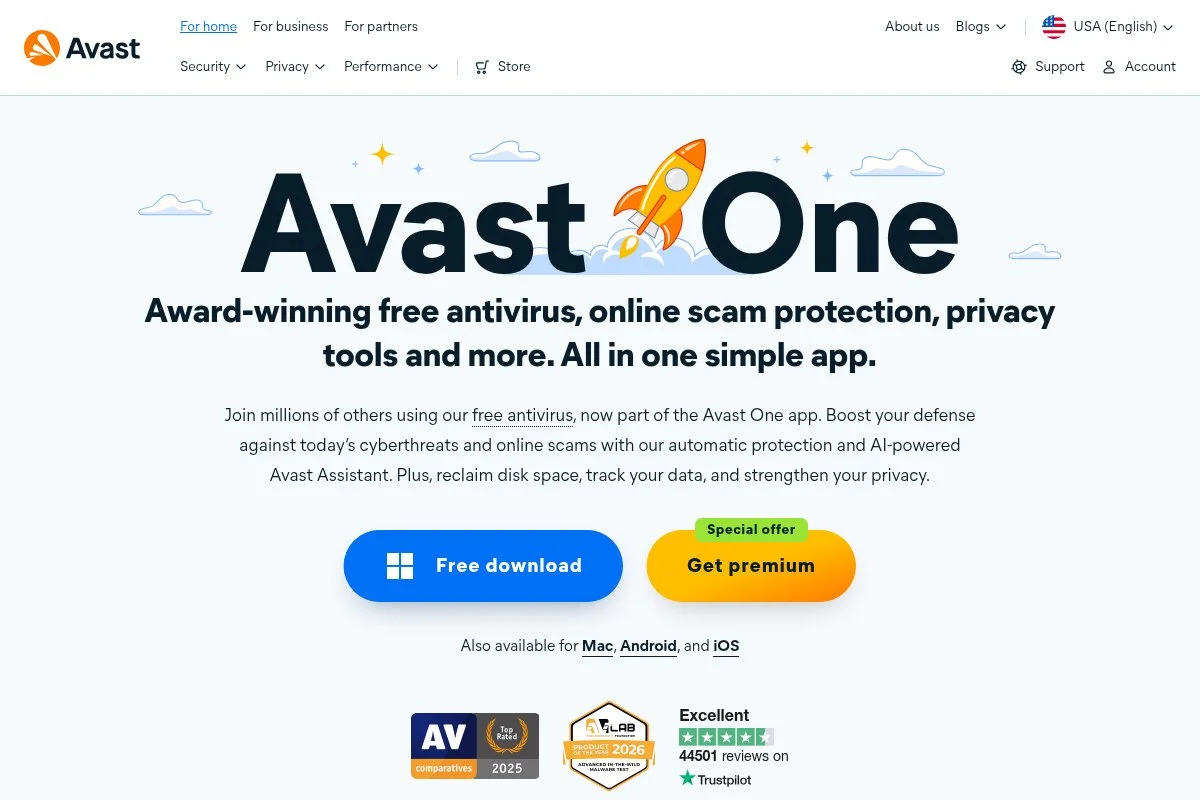
Avast Free Antivirus is a popular option with strong web shields and a friendly interface. The company shares threat intelligence across a large user base and runs the same parent group as AVG, which helps with fast detection of new threats.
Setup is quick. The dashboard presents status, scans, and shields clearly. The free plan covers real‑time file scanning, web and mail shields, and Wi‑Fi inspector for basic network checks.
Recent versions have improved phishing detection and hardened mode options, which block unknown apps. That can be useful for parents or for shared family PCs.
Paid suites add firewall, ransomware shield tuning, sandboxing, and privacy tools. There is a lot in the stack if you decide to upgrade, though you will see upsell prompts along the way.
We like Avast for users who face a lot of phishing and sketchy sites. The web shield catches a ton before files even land on the drive.
The UI is cheerful and easy to read. It works well for non‑technical users setting up a hand‑me‑down laptop.
How Avast Free Antivirus works and key features
The main screen shows your protection status and scan options. Real‑time shields run quietly, while Web Shield filters dangerous URLs and downloads. You can schedule scans and set exceptions easily.
Templates are not a thing here, but configuration is straightforward. Advanced users can enable hardened mode, tweak sensitivity, and analyze files in a sandbox on paid tiers.
Reports include blocked sites, quarantined files, and threat names. Wi‑Fi inspector flags weak router passwords and open ports.
Automation is simple: leave shields on and run a weekly quick scan. Extras like Rescue Disk help clean stubborn infections from outside Windows.
Support materials are decent for the free product. Paid customers get direct help channels. Overall, it is beginner‑friendly with room to grow.
Who Avast Free Antivirus is for
Great for people who browse widely and want stronger phishing and web filtering. Good for students, families, and anyone inheriting an older PC. If you dislike upsell panels or want the lightest footprint possible, Bitdefender or Defender may feel calmer. No special skills needed.
Avast Free Antivirus pricing
Avast offers a free plan with real‑time protection and web shields. Paid plans layer on firewall, ransomware control, privacy tools, and multi‑device coverage.
- Free: $0/month, real‑time protection, Web and Mail Shield, Wi‑Fi inspector
- Premium Security: pricing varies, adds firewall, sandbox, ransomware shield tuning
- Ultimate bundles: pricing varies, adds VPN and cleanup tools
The free plan is strong on web protection. Bundles can get pricey at renewal, so watch the terms. Annual billing often includes introductory discounts that change over time.
Pros and cons of Avast Free Antivirus
- Pros: Excellent web and phishing protection in the free tier
- Pros: Clear, friendly interface with easy scan scheduling
- Pros: Useful extras like Rescue Disk
- Cons: Upsell prompts can be frequent
- Cons: Heavier during full scans on older hardware
- Cons: Some advanced tools require paid plans
If your main risk is phishing and bad websites, Avast Free is a strong pick. If you want fewer prompts, try Bitdefender or Defender.
Avast Free Antivirus reviews
Avast’s engine performs well in independent lab tests from AV‑TEST and AV‑Comparatives. Public star ratings vary by site and version, so we weigh lab results most.
4. Avira Free Security
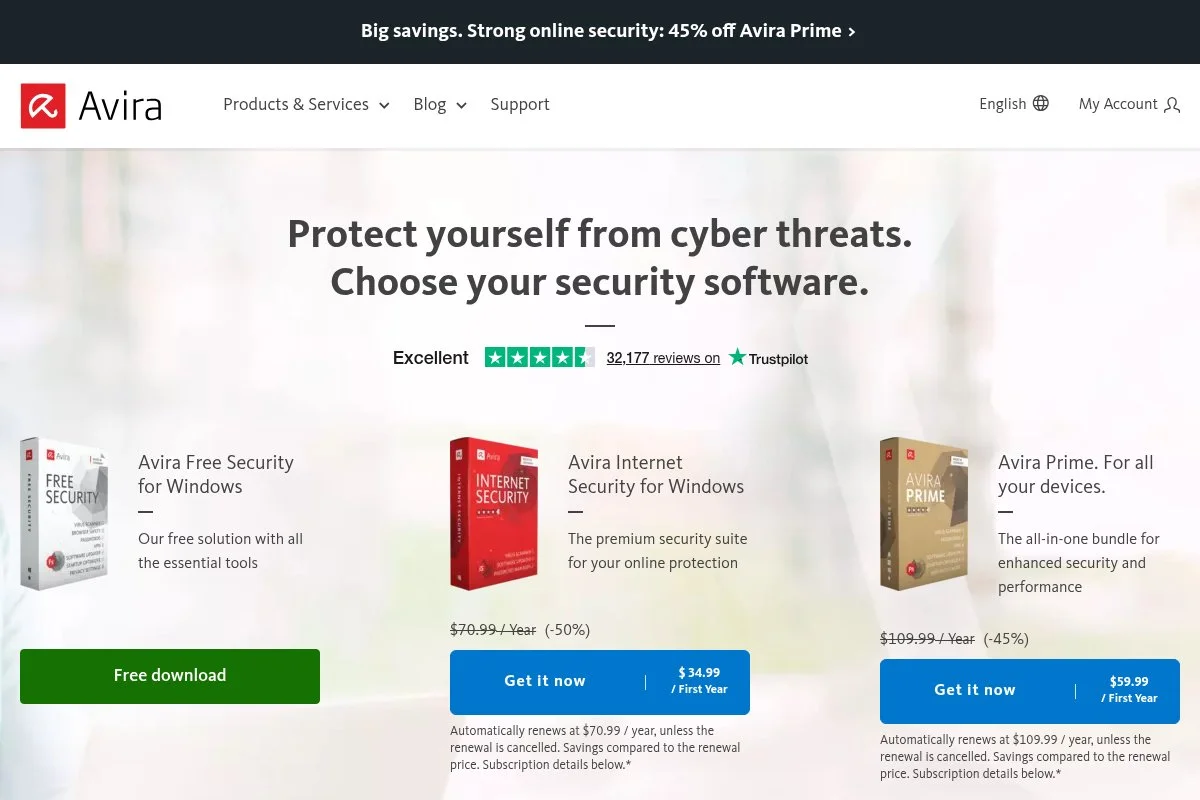
Avira Free Security is known for a light engine and useful on‑demand tools. It brings real‑time protection, a browser safety extension, and optional extras like a limited VPN in its free suite layout.
Install is quick, and the interface keeps core actions simple. You get quick scans, scheduled scans, and a smart scan that checks for risky settings or outdated apps.
Recent builds have polished phishing detection and improved integration with browsers. The free VPN data cap remains small, which is fine for coffee shop logins but not streaming.
Paid plans unlock full VPN, web protection features, and device coverage across platforms. Avira’s cleanup utilities are handy if you like tidy systems.
We suggest Avira for older laptops because it is designed to stay light. The design is clear and not too pushy about upgrades.
Another plus is the quick uninstaller. It leaves fewer remnants if you switch later.
How Avira Free Security works and key features
The dashboard groups security, privacy, and performance tools. Real‑time scanning runs in the background, while the browser extension helps flag risky sites.
You can schedule scans and manage exclusions with a few clicks. Advanced users can adjust heuristics and review quarantine details.
Reports list blocked items and recommended fixes. Smart scans flag weak settings and missing updates, which is useful after a fresh Windows install.
Automation is simple: enable real‑time protection, add a weekly quick scan, and keep auto‑update on. Support is mainly documentation and community for free users.
Overall, Avira feels light and tidy. It is a good fit for basic protection without extra noise.
Who Avira Free Security is for
Best for older PCs, students, and anyone who values a light footprint. Good for people who want a clean interface and basic web protection. If you need strong parental controls or a big VPN allowance, another suite may suit you better. Beginner‑friendly with optional tweaks for power users.
Avira Free Security pricing
Avira’s free plan covers real‑time protection with optional extras. Paid tiers expand privacy, VPN, and device coverage.
- Free: $0/month, real‑time antivirus, basic web safety, smart scan
- Avira Antivirus Pro: pricing varies, enhanced web protection and email security
- Internet Security/Prime: pricing varies, multi‑device coverage, full VPN, and utility tools
The free tier is light and useful. Bundles are middle‑of‑the‑road on price, with discounts for annual terms and more devices.
Pros and cons of Avira Free Security
- Pros: Light on system resources
- Pros: Clean interface and smart scan helper
- Pros: Easy uninstall for testers and tinkerers
- Cons: Free VPN data is very limited
- Cons: Some web protection features require paid tiers
- Cons: Occasional prompts to upgrade
If you want light, simple security on an older PC, Avira is a strong choice. If you need heavy web controls or extras, look at paid suites.
Avira Free Security reviews
Avira’s engine has received positive marks in AV‑TEST and AV‑Comparatives over multiple years. Star ratings differ across sites and bundles, so check recent lab results for a clear picture.
5. AVG AntiVirus Free
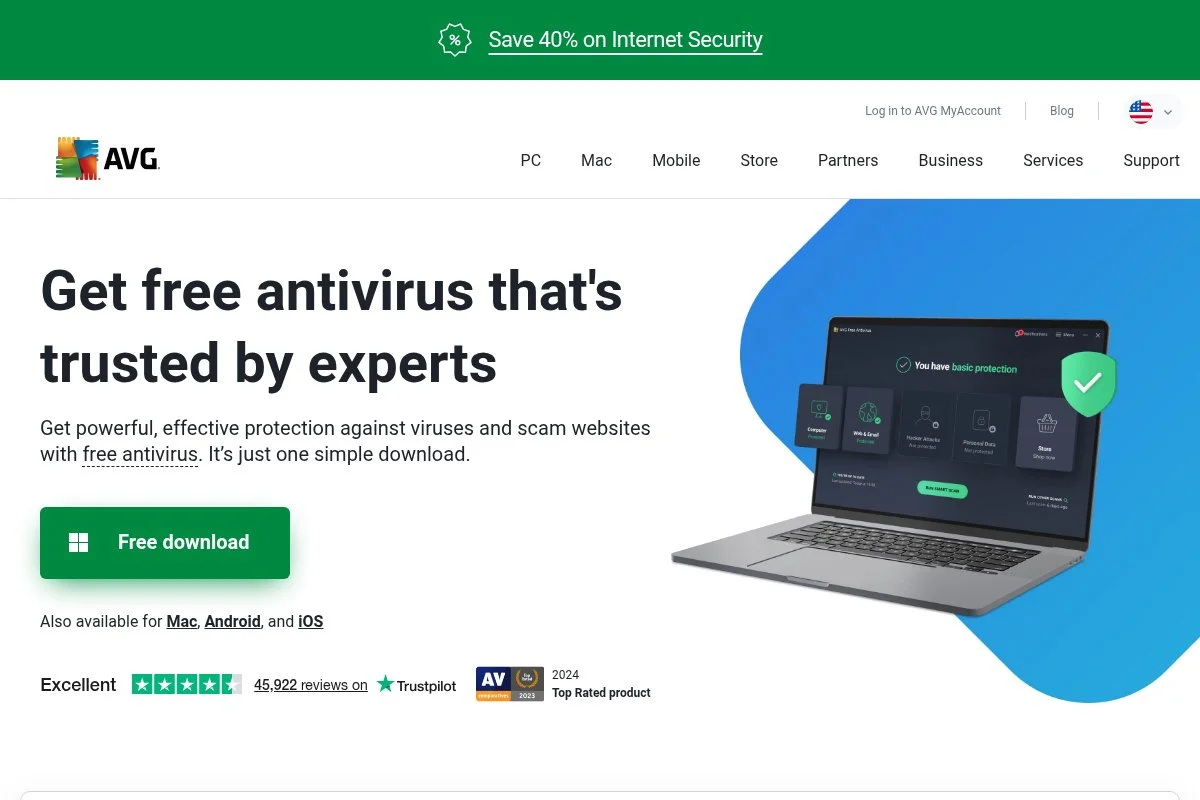
AVG AntiVirus Free offers real‑time protection with friendly alerts and simple controls. AVG and Avast share ownership, which means shared threat intelligence and similar detection strengths on the web side.
The installer is quick and guides non‑technical users well. The free plan covers malware protection, email and web shields, and basic scanning modes.
Recent builds have focused on phishing filters and browser integration. We like how scan results are explained in plain language without jargon.
Paid upgrades add firewall, ransomware control, and privacy features. You will see prompts for those during some actions, which can be a bit much for some users.
AVG suits people who want simple explanations. The alerts are clear and the default choices are safe.
The design is straightforward and approachable. It works for people who just want something trustworthy without a steep learning curve.
How AVG AntiVirus Free works and key features
AVG’s main window shows protection status with quick access to scans. Real‑time shields watch files, emails, and web traffic. You can schedule scans and set exceptions easily.
There are no templates, but settings are clear. Power users can tweak sensitivity and view detailed logs of detections and quarantines.
Reports include threat types, affected files, and recommended actions. A Rescue mode helps clean stubborn infections outside of normal Windows sessions.
Automation is basic: leave shields on and schedule a weekly quick scan. Support for free users is mainly help articles and community forums.
Overall, AVG Free is very beginner‑friendly. It delivers steady protection with easy‑to‑read alerts.
Who AVG AntiVirus Free is for
Best for beginners and casual users who want clear guidance. Good for family PCs, students, and shared machines. If you want fewer upsell prompts or the lightest footprint, Bitdefender or Defender may be better. No technical skill required.
AVG AntiVirus Free pricing
AVG offers a capable free tier with real‑time protection. Paid plans add firewall, ransomware shields, and extra privacy tools.
- Free: $0/month, real‑time antivirus, email and web shields
- Internet Security: pricing varies, adds firewall and ransomware control
- Ultimate bundles: pricing varies, adds VPN and cleanup utilities
The free plan is strong for basics. Bundle pricing and renewals can vary, so compare offers and device counts if you decide to upgrade.
Pros and cons of AVG AntiVirus Free
- Pros: Clear alerts and simple setup
- Pros: Solid phishing and web filtering
- Pros: Rescue mode for tough infections
- Cons: Frequent prompts to upgrade
- Cons: Can feel heavier than Avira on older PCs
- Cons: Some features mirror Avast, so picks are redundant
If you want hand‑holding and clear language, AVG Free is a safe call. If you want fewer prompts, look at Bitdefender or Defender.
AVG AntiVirus Free reviews
AVG’s detection benefits from the same research pool as Avast, which fares well in AV‑TEST and AV‑Comparatives. User star ratings differ by version, so we check lab tests first.
6. Panda Dome Free
Panda Dome Free is an accessible antivirus with a friendly design and a couple of unique touches. One standout is USB vaccination, which helps stop autorun malware on removable drives.
The installer is easy. The home screen shows your status, scan buttons, and a panel of optional tools. Real‑time protection and a basic firewall‑like module appear in some builds, depending on region.
Recent updates have focused on usability and cloud scanning. That helps keep the local footprint smaller on older hardware.
Paid tiers add VPN data, parental controls, identity features, and more granular controls. Panda’s approach is friendly, though prompts can encourage upgrades.
We recommend Panda when someone often swaps USB drives or services older office machines. It is also a nice starter for users who like big buttons and clear labels.
We appreciate the Rescue Kit feature. It lets you create a bootable environment to clean tough infections.
How Panda Dome Free works and key features
The interface is tile‑based with quick access to scans, real‑time protection, and USB tools. Cloud scanning reduces load on weak CPUs. You can schedule scans and manage exclusions in a few clicks.
Reports show quarantines and recent actions. The Rescue Kit helps fix machines that will not boot cleanly. USB vaccination blocks autorun tricks on removable media.
Automation is a matter of enabling real‑time protection and setting weekly scans. The free version focuses on essentials and a couple of unique utilities.
Support for free users is knowledge base first. Paid users get direct channels. Overall it is friendly for newcomers, with a few handy extras.
Who Panda Dome Free is for
Best for users who swap USB drives or support older PCs. Good for basic home protection and easy one‑click actions. If you want the lightest possible engine or fewer prompts, Bitdefender or Avira may fit better. No advanced skills needed.
Panda Dome Free pricing
Panda offers a free tier with core antivirus and unique utilities. Paid Dome tiers add broader privacy and family features.
- Free: $0/month, real‑time protection, USB vaccination, Rescue Kit
- Dome Essential/Advanced/Complete/Premium: pricing varies, adds VPN data, parental controls, identity features, and multi‑device coverage
The free plan shines with its USB features. Paid bundles vary by device count and term, with discounts that change over time.
Pros and cons of Panda Dome Free
- Pros: USB vaccination and Rescue Kit are helpful
- Pros: Friendly, approachable design
- Pros: Cloud scanning reduces load on weak hardware
- Cons: Frequent upgrade prompts
- Cons: Detection scores can vary by test cycle
- Cons: Some features differ by region
If USB risks are your main worry, Panda Free is worth a look. If you want the quietest engine, try Bitdefender or Defender.
Panda Dome Free reviews
Panda appears in lab testing from AV‑TEST and AV‑Comparatives with mixed but improving results over time. User ratings vary by version and region, so check recent lab reports for current performance.
What is the best antivirus right now?
Our top free picks this year are Bitdefender Antivirus Free, Microsoft Defender Antivirus, and Avast Free Antivirus. All three provide strong core protection without making you wrestle with settings.
Bitdefender Free is our top pick.
From a value standpoint, Bitdefender’s free tier covers what most people need. If you ever upgrade, its bundles often price well during promos compared to big suites. You get ransomware cleanup and privacy tools without turning the machine into a toaster. Alternatives can cost more at renewal and add features you may never touch.
Microsoft Defender is the runner-up. For most Windows users, leaving Defender on and adding a browser extension is a great baseline. It keeps improving in lab tests and integrates cleanly with system updates, which cuts down on weird conflicts after Patch Tuesday.
Defender’s unique strength is native integration. If you live in Edge and want zero extra apps, it can be enough on its own. For families on Microsoft 365, the security dashboard sweetens the deal.
Avast Free is our third pick, especially if phishing is your main headache. Its web shield catches a lot before a file ever hits disk. If you browse widely, that front‑line filter is worth it.
Whichever you pick, the point is to find a setup that stays quiet and blocks the junk you actually face.
Frequently Asked Questions
Q: Do I need antivirus if I have Windows 11?
Yes. Windows 11 includes Microsoft Defender, which is solid, but malware and phishing still target browsers and downloads. Keep Defender on, then add a trusted web filter or a reputable free antivirus for extra coverage.
Q: Will free antivirus slow down my PC?
A good free option should feel light during everyday work. Full scans can spike CPU on older hardware, so schedule them for off hours. Bitdefender Free and Avira are the lighter options for older laptops.
Q: Is free antivirus enough for families?
For many families, yes, if you combine it with safe browsing habits and automatic updates. If you want parental controls, identity alerts, or a large VPN allowance, a paid suite or Microsoft 365 Family can help.
Q: Can I run two antivirus programs at once?
We do not recommend running two real‑time engines together. They can conflict and slow the system. If you want a second opinion, keep one tool as real‑time and use another as an on‑demand scanner.