Preschools need attendance that works on a tablet, quick parent messaging, and tuition billing without hidden costs, usually on a tight budget. This guide compares seven options — brightwheel, TUIO, ClassDojo, Remind, Bloomz, Google Classroom, and Jotform — covering what each does well, who it suits, what the free plan includes, and where it falls short.
How we put this list together: we went through each tool’s official website, pricing page, and documentation, and checked what the free plan actually includes and where the paid tiers begin. Prices and plan limits change often, so confirm the details on the vendor’s site before you commit.
My take
What stood out in the research is how different “free” means across preschool tools. Some are free because the school pays nothing and families pay processing fees. Others are free only for messaging, with billing and attendance behind a paywall. Before comparing features, I would figure out which of those models you can live with.
My honest opinion is that most small programs do not need an all-in-one system on day one. Parent communication is the thing families notice every day, and tuition billing is the thing that quietly eats an owner’s evenings. Those two problems are worth solving first, even if that means two tools for a while.
That is why brightwheel sits at the top for me. Its free plan lets you run the daily basics and add billing later without switching systems. If you already have a communication habit that works, though, TUIO is the more interesting pick. Making tuition automatic is the single change most likely to give a director hours back each month.
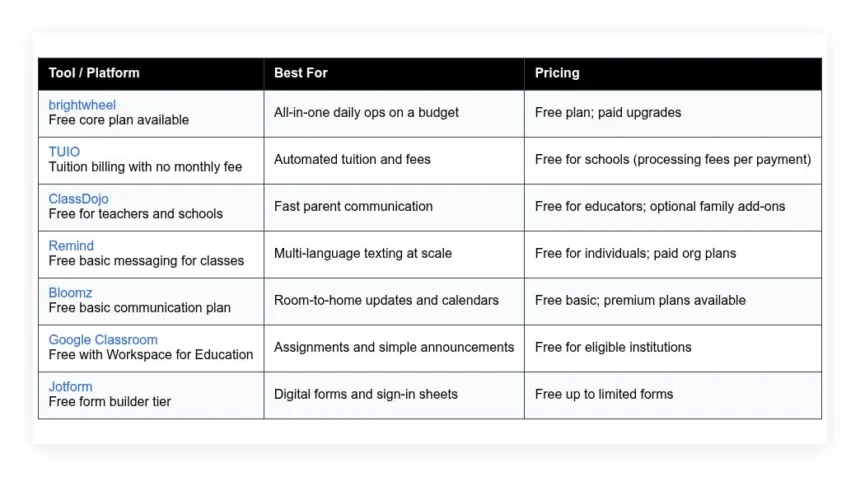
Comparison of 7 best preschool management software in 2026 with pricing and recommended use cases
Below is a closer look at each tool, followed by our overall recommendations.
What is a preschool management software?
Preschool management software is a set of tools that helps early childhood centers run daily operations, focused on attendance, parent communication, enrollment, and tuition billing. When centers track sign-in, messages, and payments in one place, they cut errors and save hours each week.
Consider the shift: moving from paper sign-in to a digital kiosk makes late pickups and ratio checks instant, replacing dozens of manual entries with accurate logs. The core purpose is simple — staff record attendance and activities on phones or tablets, families receive timely updates, applications and forms flow online, and administrators get clear records for compliance and billing.
Many centers pair these tools with payment processors, digital form builders, and messaging apps, and some add simple CRM tools for waitlists and tours. Not every platform fits every center, so it pays to check limits, costs, and how your team will actually use it day to day.
How to choose the best preschool management software
Choosing software for a preschool can feel overwhelming — many options, different pricing models, and small details that matter at drop-off on Monday morning. We wrote this to help you find a setup that fits your size, budget, and staff comfort level, keeping the focus on what you will use every day.
A few questions worth asking:
- How generous is the free tier, and what is locked behind paid plans?
- Can staff check children in, message parents, and log incident reports in under a minute?
- Will the tool scale from one room to multiple sites without re-training?
- How will your costs change as enrollment grows and payments increase?
- Does it cover your must-haves, like ratios, photos, and daily sheets, without add-ons?
- Are attendance, billing, and message metrics easy to view and export?
- If you leave, can you export records and parent contacts without friction?
- What uptime, data security, and support response times are documented?
- Does it handle multi-language messaging or subsidies if that matters to you?
7 best preschool management software in 2026
Here are our top picks for the best preschool management software:
- brightwheel
- TUIO
- ClassDojo
- Remind
- Bloomz
- Google Classroom
- Jotform
1. brightwheel
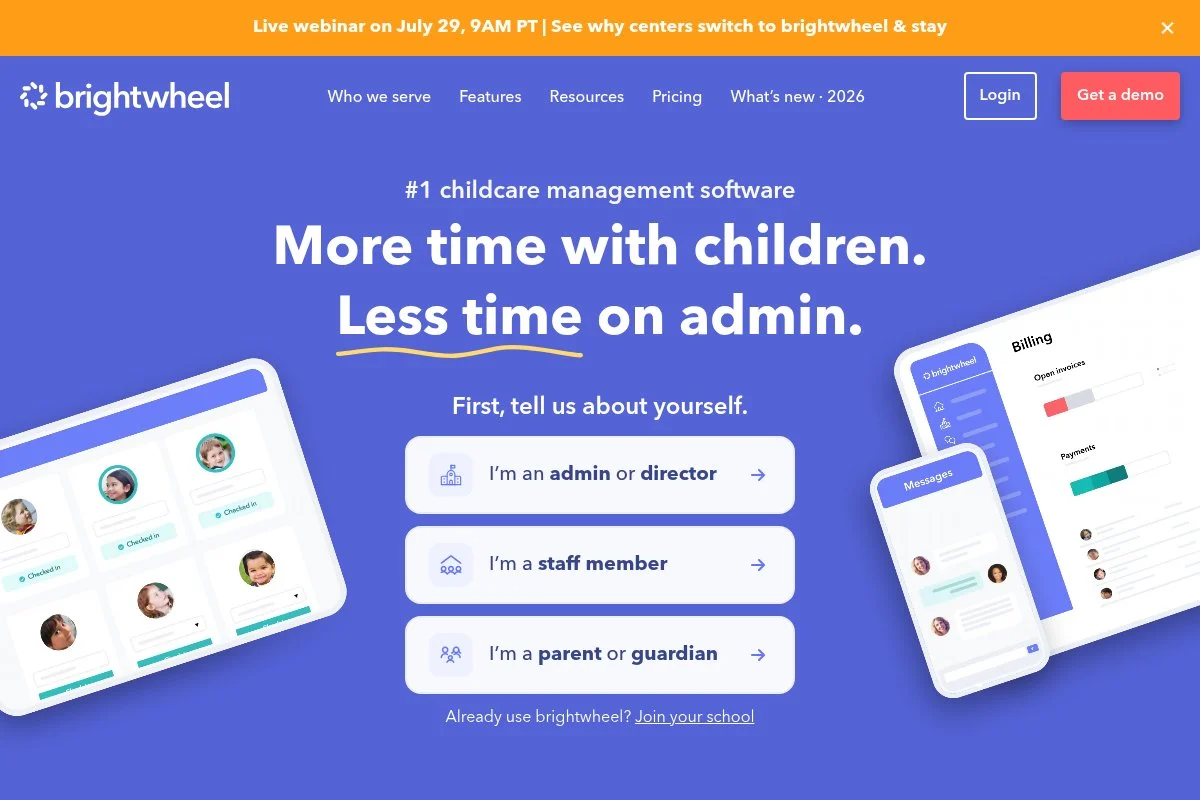
brightwheel is an all-in-one platform built for early education programs. The company focuses squarely on preschools and childcare, with a widely used mobile app that teachers already know.
You can start on a free plan and be up and running in an afternoon. The interface centers on rooms, children, and activities, with daily reports, photos, attendance, and parent messaging a tap away. In recent years brightwheel added stronger billing, document collection, and health checks, and the product keeps pulling common tasks into one timeline, which reduces switching between apps. On higher tiers you unlock more advanced billing, reporting, and admin controls, and multi-site support, custom forms, and deeper analytics help growing centers standardize workflows.
We also like the training resources and short how-to videos, which let new staff learn the basics in minutes during hiring season.
How brightwheel works and key features
brightwheel’s mobile-first interface is simple: teachers tap to check children in, post notes, and share photos, and the activity feed feels like a private social stream for each classroom. You can customize daily sheets, meal logs, and incident reports, forms and documents are easy to collect from families online, and admins can review attendance, ratios, and billing from a web dashboard.
Analytics cover attendance, billing summaries, and message delivery, automated reminders reduce late pickups and unpaid invoices, and the platform also includes enrollment workflows and basic document storage. Support includes help articles and email assistance, with training content for staff onboarding. Overall, it is friendly for beginners yet has enough depth for growing centers that want a single hub.
Who brightwheel is for
Best for small to mid-size preschools, in-home daycares ready to digitize, multi-room centers that want a unified feed, and programs that message parents often. It shines for daily reports, photos, and attendance with simple billing. Large organizations with strict district reporting may need exports into other systems. No special technical skill is required for everyday use.
brightwheel pricing
brightwheel follows a freemium model. You can use core features at no cost, then upgrade for advanced admin and billing capabilities. Pricing scales by features and program needs.
- Free: $0/month, basic attendance, daily reports, parent messaging
- Paid plans: Pricing varies by feature set, adds billing, reporting, and admin controls
For many centers, the free plan is enough to modernize daily operations. Paid tiers make sense once you need deeper billing and reporting. Annual commitments can offer savings compared to month-to-month.
Pros and cons of brightwheel
- Pros: Free core plan, very quick for teachers to learn, strong daily reports and photos, solid parent engagement.
- Pros: Centralizes many tasks into one app, good training resources.
- Cons: Advanced billing and analytics require paid plans.
- Cons: Exports may be needed for complex district reporting.
If you want one app to run the day, start here. If your priority is tuition-only billing with no monthly fee, skip to TUIO.
brightwheel reviews
G2 and Capterra list brightwheel with high user satisfaction from early education programs. Public ratings are strong, and teacher comments highlight ease of use.
2. TUIO
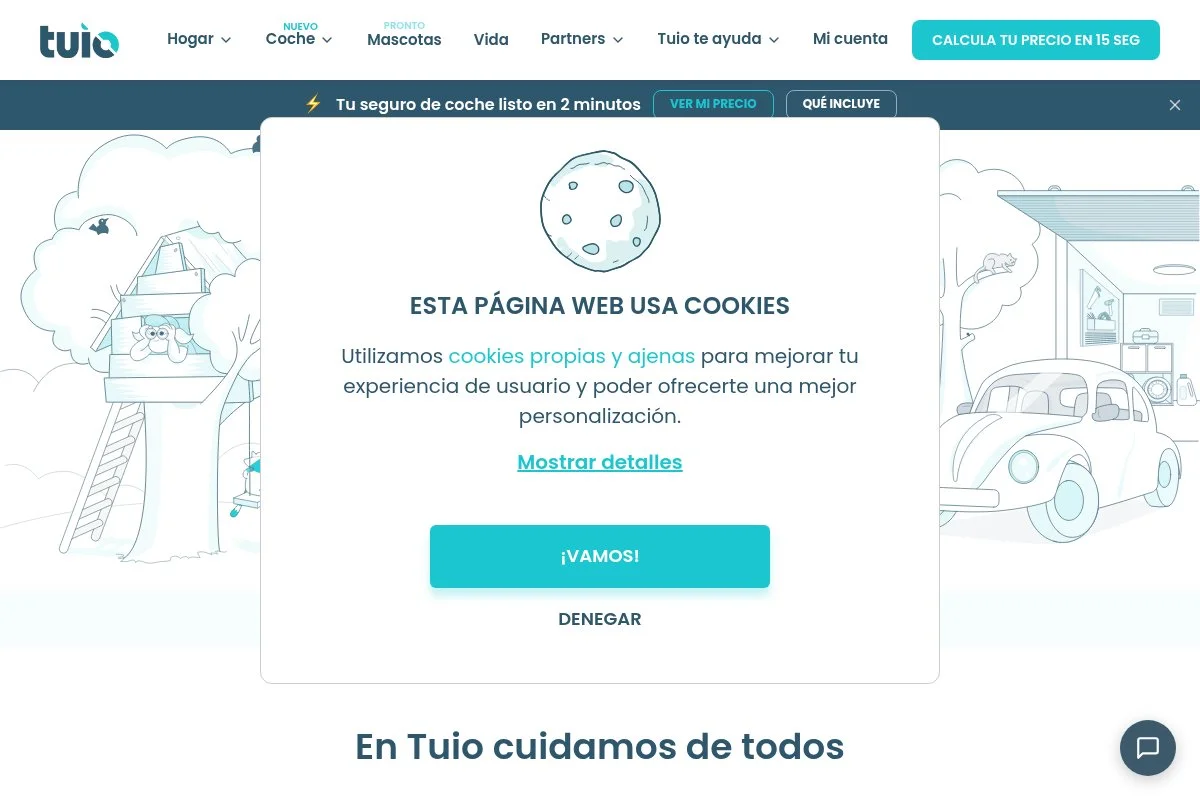
TUIO is a tuition and fee management platform used by daycares, preschools, and private schools. Its hook is simple: no monthly software fee for the school.
Getting started is straightforward: you set up programs and due dates, invite families, and automate payments and reminders, with a dashboard that shows what is due, paid, and pending. Recent updates focused on automating reminders and improving reconciliation, which helps small teams reduce manual follow-ups and match deposits faster. Advanced features include scheduled payment plans, variable fees, and support for optional items like field trips — helpful if families pay different amounts or need installments.
We recommend TUIO when a center wants online payments without adding a monthly bill; directors appreciate keeping fees predictable. Support staff are responsive and used to working with small schools, which shows up in clearer onboarding and parent-facing instructions.
How TUIO works and key features
You manage tuition from a clean web dashboard: create payment schedules, assign families, and let auto-pay do the heavy lifting while parents pay online and get email receipts. There is no design-heavy editor here — it is practical billing with clear templates for plans and one-off invoices, and you can export reports for bookkeeping and view settlement timelines.
Automation handles reminders, failed payment retries, and late fees if you enable them, and reporting shows collections and outstanding balances, which helps at month end. Support is available by email and help articles. The experience is focused and accessible, and it pairs well with a free daily operations app like brightwheel.
Who TUIO is for
Best for preschools that want online tuition with no monthly software fee, in-home daycares shifting from checks, programs with payment plans, and schools that need simple reports. If you want daily sheets or attendance in the same app, use a companion tool. No special technical skills needed.
TUIO pricing
TUIO does not charge schools a monthly subscription. The platform is free to use, with payment processing fees applied per transaction.
- Free for schools: $0/month, online payments, plans, reminders, and reporting
- Processing: Transaction fees apply per payment, typically paid by families or the school based on your settings
Compared to full management suites, this can be a budget win if you mainly need billing. It scales as enrollment grows, and there is no price jump tied to student count.
Pros and cons of TUIO
- Pros: No monthly fee for schools, strong auto-pay and reminders, clear reporting.
- Pros: Easy parent experience reduces manual follow-up.
- Cons: Not an all-in-one classroom app, limited daily ops features.
- Cons: Processing fees require policy decisions on who pays them.
Choose TUIO if billing is your pain point. If you want one app for everything, start with brightwheel and add TUIO only if needed.
TUIO reviews
Capterra and G2 list positive feedback for TUIO’s tuition collection and ease of setup. Public review counts are smaller than big K–12 brands but trending positive.
3. ClassDojo
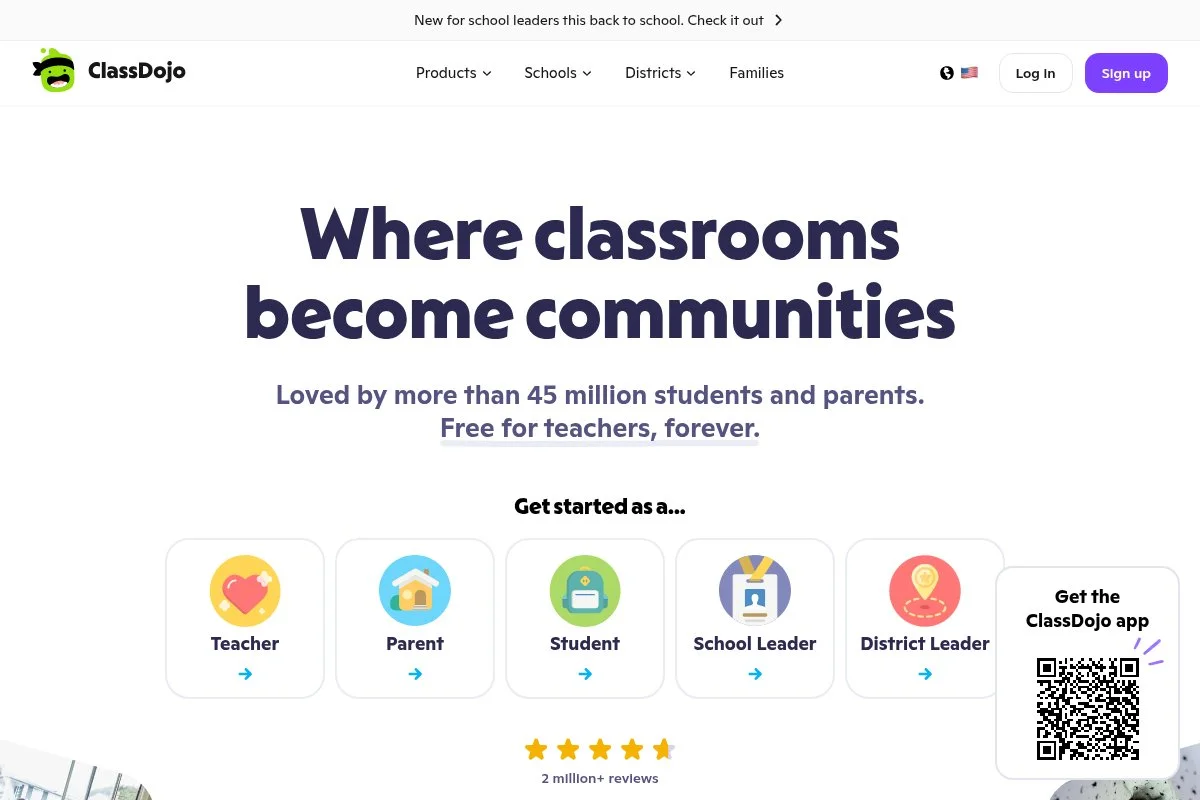
ClassDojo is a free communication app used by millions of educators. It is not preschool-specific, yet it works well for quick updates, photos, and announcements.
Setup takes minutes: create a class, invite parents, and start posting to the class story, with messaging that supports direct notes to families and simple translation. Recent improvements focus on messaging speed and parent experience, and it remains a lightweight way to keep families in the loop without training. Paid family subscriptions add optional extras for home use, but educators get core features free, which keeps your school costs at zero for communications.
We like it as a fast communication layer on top of attendance or billing tools — teachers pick it up instantly, which matters on busy mornings. Notifications are reliable, and many families already know the app.
How ClassDojo works and key features
The interface is minimal: post photos, videos, and notes to a class feed, or send private messages to families, and you can enable translation for common languages. There are simple templates for events and announcements, portfolios let you share child work samples, and teachers can manage multiple classes from the same account.
Analytics are light — you see engagement on posts and message delivery, enough to confirm reach — and automation is limited to notifications and reminders. Support is primarily help articles with email backup. It is beginner-friendly and pairs well with separate tools for attendance and billing.
Who ClassDojo is for
Great for preschools that want free, fast parent communication, aftercare programs, and small co-ops. It excels at photos, quick notes, and announcements. If you need attendance tracking or tuition, combine it with another platform. No technical skills required.
ClassDojo pricing
ClassDojo is free for teachers and schools for core communication. Optional family subscriptions add home features, but you do not need them to run classroom updates.
- Educator access: $0/month, class stories, messaging, photos, and portfolios
- Optional family add-ons: Paid, enhances at-home features for parents
As a communications layer, the value is hard to beat. There is no school subscription to manage, and adoption is quick.
Pros and cons of ClassDojo
- Pros: Free for educators, instant setup, families already know it.
- Pros: Good translation and multimedia posts.
- Cons: Not built for attendance, billing, or compliance reporting.
- Cons: Analytics are basic.
Pick ClassDojo if you want zero-cost messaging that just works. Choose a more complete suite if you must have sign-in and payments in the same place.
ClassDojo reviews
ClassDojo holds strong ratings on teacher review sites and app stores. Feedback highlights ease of use and wide parent adoption.
4. Remind
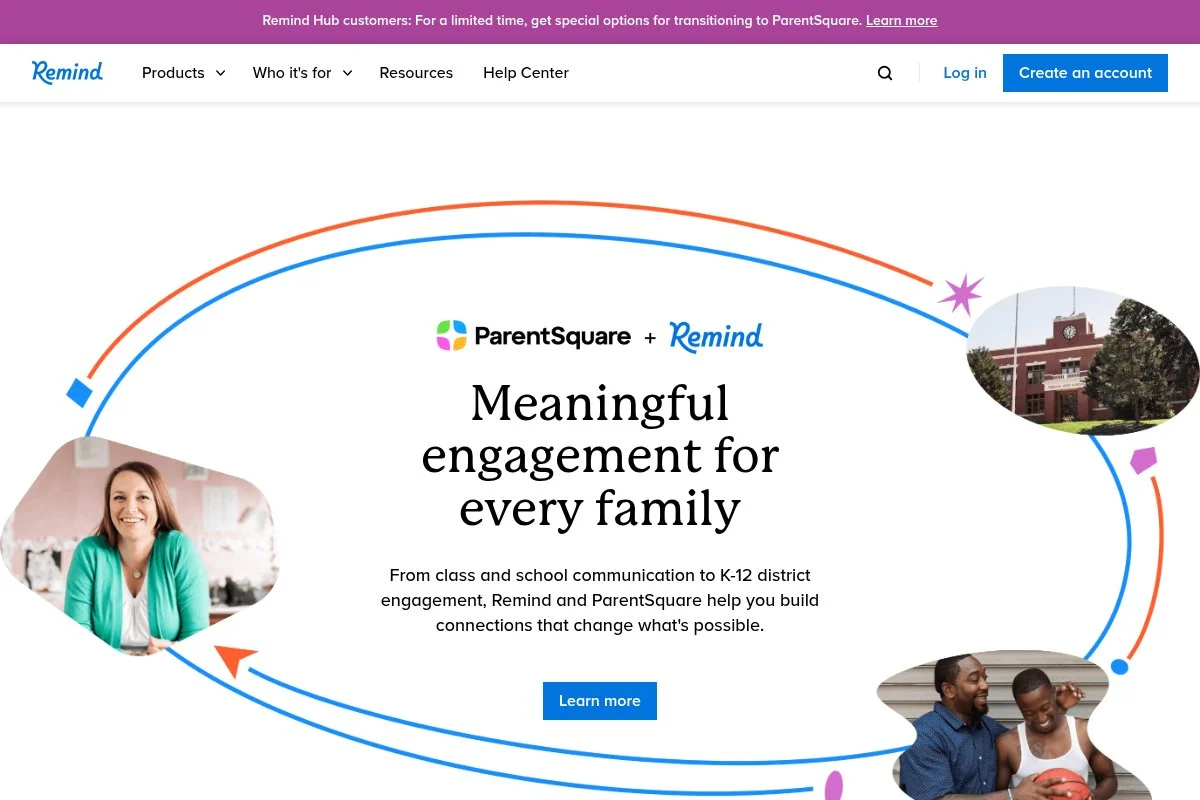
Remind is a messaging platform built for education with strong SMS support. It is helpful for preschools that need multi-language texting without asking parents to install an app.
Getting started is quick: create classes or groups, import contacts, and send announcements or direct messages, with delivery over SMS, app, or email. Recent focus improved organization-wide controls on paid plans, while the free tier stays useful for small centers or individual classrooms, and paid organization plans add reporting, rostering integrations, and admin oversight — which matters when you standardize across multiple rooms or sites.
We like Remind when families prefer text messages — it reduces missed notes and supports quick two-way replies in a familiar channel. Setup does not require technical skills, and the message composer is clean and fast.
How Remind works and key features
The interface centers on classes and groups: you compose messages, schedule them, and choose delivery channels, with translation available for many languages. Templates make common announcements easy, read receipts and delivery stats confirm reach, and automation handles scheduled posts and office hours.
There are no complex editors here — it is messaging first, with enough structure for schools — and help docs are solid, with support options that expand on paid plans. The experience is straightforward and reliable, best as your primary broadcast channel if apps have been a barrier.
Who Remind is for
Best for centers with families who prefer texts, programs with frequent alerts, and multi-language communities. It excels at fast, wide-reach communication. If you need attendance, pair it with a separate classroom app. No technical skills needed.
Remind pricing
Remind offers a free plan for individuals and classrooms. Paid organization plans add admin features and integrations.
- Free: $0/month, class and group messaging, translation, scheduling
- Organization plans: Paid, adds centralized controls, reporting, and integrations
If you want no-cost messaging with strong SMS delivery, the free tier is excellent. Larger programs gain oversight on paid tiers.
Pros and cons of Remind
- Pros: SMS-first reach, translation, fast setup, free plan.
- Pros: Works even if parents avoid new apps.
- Cons: Not a full management suite, limited classroom logging features.
- Cons: Deeper analytics and controls require paid plans.
Use Remind if reliable texting is your main need. If you want photos and daily sheets, brightwheel or Bloomz will fit better.
Remind reviews
Remind has strong ratings on education review sites and app stores. Users often praise translation, SMS reach, and message reliability.
5. Bloomz
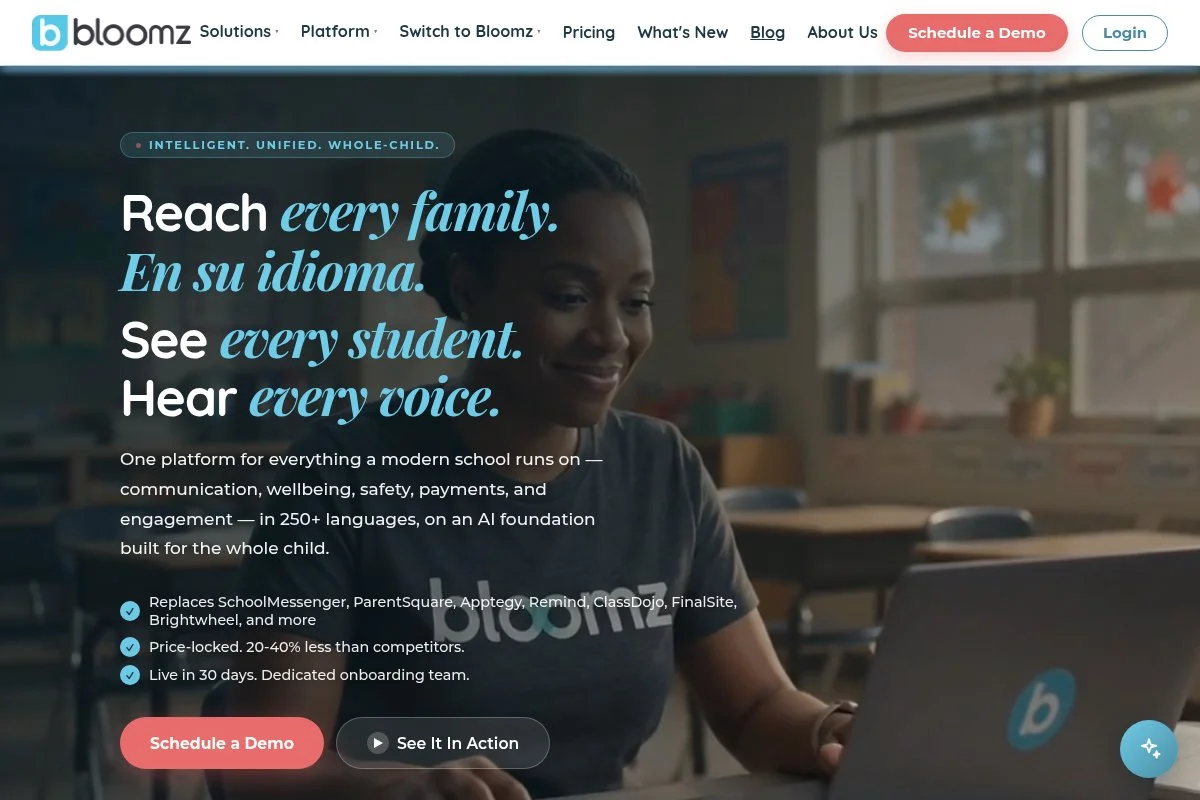
Bloomz is a classroom-to-home communication app with calendars, signups, and photo sharing. Many preschools use it for organized updates and volunteer coordination.
Setup is simple: create a class, invite families, and start posting, with an interface that highlights events, reminders, and parent-teacher communication. Recent polish improved scheduling and parent notifications, and it remains one of the most organized choices for events and reminders. Premium plans unlock more features, but the free tier covers basic posts, messages, and class calendars — enough for many small programs.
We like Bloomz for centers that run many events and signups, since the structure helps parents follow dates without missed posts. The design is clean, and parents can choose email or app notifications based on preference.
How Bloomz works and key features
The app organizes communication into posts, events, signups, and messages: you can create volunteer slots, send reminders, and share photos and files. Templates speed up recurring updates, translation support helps with multilingual families, and basic analytics show engagement and delivery.
Automation handles event reminders and scheduled posts, and while it is not an attendance system, it keeps calendars front and center for families. Support includes a help center and email. It is friendly for beginners and shines for programs that live by the calendar.
Who Bloomz is for
Great for preschools with frequent events, volunteer signups, and detailed schedules. It excels at reminders and organized posts. If you need attendance or tuition, pair Bloomz with a billing or check-in tool. No technical background needed.
Bloomz pricing
Bloomz offers a free basic plan for classroom communication. Premium plans add advanced features for power users.
- Free: $0/month, posts, messages, class calendars, and reminders
- Premium: Paid, adds more storage, advanced features, and controls
For a free communications hub, Bloomz is solid. If you want deeper admin features or storage, consider the premium upgrade.
Pros and cons of Bloomz
- Pros: Free basic plan, strong calendars and signups, easy translation.
- Pros: Clean parent experience reduces missed events.
- Cons: No built-in attendance or tuition billing.
- Cons: Storage and extras sit behind paid plans.
Pick Bloomz if you live in calendars and reminders. If you want an all-in-one hub, look at brightwheel.
Bloomz reviews
Bloomz receives positive ratings on education review sites and app stores. Users often mention how it organizes events and parent signups.
6. Google Classroom
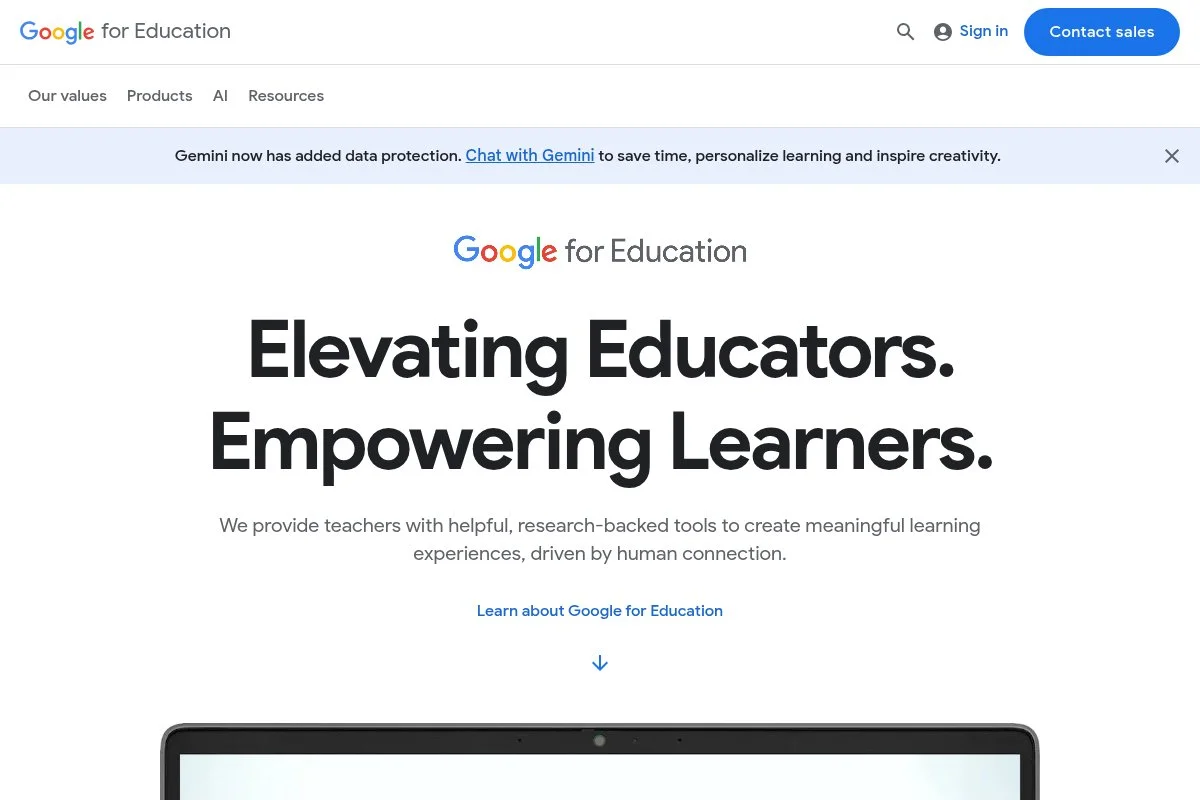
Google Classroom is part of Google Workspace for Education. While built for K-12, some preschools use it for announcements, basic assignments, and document sharing.
Teachers create classes, invite guardians, and post updates in the Stream, and it connects with Google Drive for easy sharing of forms and documents. Recent updates keep improving integration and guardian summaries, and the tool remains lightweight, reliable, and widely known. It does not handle attendance or billing, but it is free for eligible institutions and pairs well with forms and sign-in sheets.
We recommend it when your staff already lives in Google Docs and Sheets, since familiar tools shorten training time. Guardian emails help families catch up weekly without logging in daily.
How Google Classroom works and key features
The interface is a simple feed with assignments and posts: you attach files from Drive, use Google Forms for signups, and send guardian summaries. Templates are basic but effective, reporting focuses on assignment completion, and automation is limited to scheduled posts and email summaries.
Support comes through Google’s help center and community forums, and while not preschool-specific, it is dependable and integrates with common tools. It is beginner-friendly if your team already uses Google apps — just add separate tools for attendance and payments.
Who Google Classroom is for
Best for preschools attached to K-12 systems or programs that already use Google Workspace. It excels at announcements and simple forms. If you need attendance, ratios, or tuition, combine it with other tools. No coding or special skills needed.
Google Classroom pricing
Classroom is free with Google Workspace for Education for eligible institutions. Upgraded Workspace tiers add more admin and security features.
- Education Fundamentals: $0, includes Classroom, Drive, Meet, and core services
- Upgraded tiers: Paid, add admin, security, and advanced features
If you qualify, the price is right. It is a useful communications layer, though not a full preschool management system.
Pros and cons of Google Classroom
- Pros: Free for eligible schools, integrates with Google tools, simple guardian summaries.
- Pros: Staff familiarity lowers training time.
- Cons: Not built for early childhood workflows like ratios or check-in.
- Cons: Limited analytics for operations.
If you are a Google-first school, Classroom is a handy free layer. If you want preschool-specific features, start with brightwheel.
Google Classroom reviews
Google Classroom earns high marks across education review sites and app stores. Educators praise its simplicity and Google integration.
7. Jotform
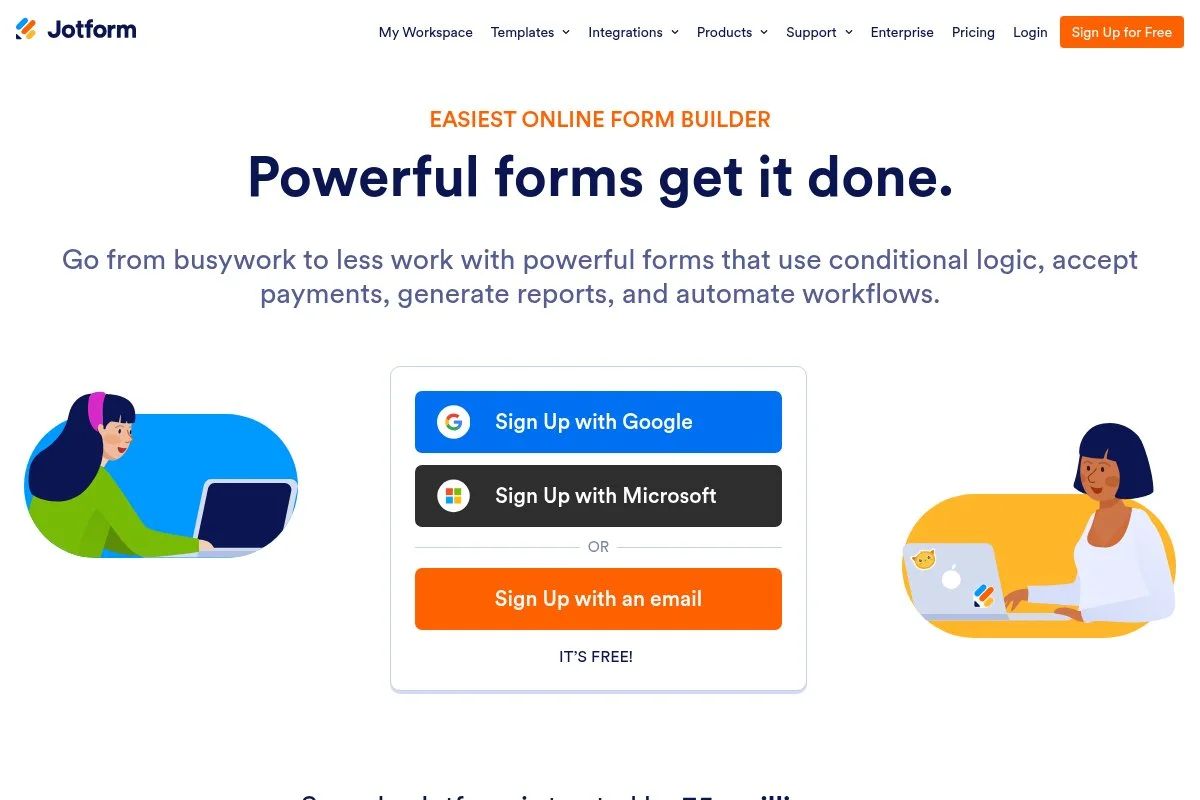
Jotform is a popular form builder that many preschools use for enrollment, health forms, and digital sign-in. The free tier is generous enough for small programs.
You drag and drop fields, add e-signatures, and share links with families, and submissions flow into a spreadsheet-like view you can export. Recent templates and kiosk mode help with on-site check-in — it is not a full preschool suite, but it replaces paper quickly. Paid plans add more forms, storage, and HIPAA options, though many small centers stay on free for basic intake and consent forms.
We like it as the glue between messaging and billing: you can collect documents and signatures without chasing paper folders. The template library saves time, and e-signatures reduce back-and-forth with families.
How Jotform works and key features
The builder is WYSIWYG and fast: choose a template, add fields, and publish, and you can enable kiosk mode for a sign-in tablet and collect e-signatures on policies. Customization includes themes and conditional logic, integrations send data to Google Sheets or email, and analytics show submission counts and response times.
Automation can route forms to staff, trigger emails, or update spreadsheets, and support includes help docs, with faster support on paid tiers. It is beginner-friendly yet powerful enough for advanced data collection when you need it.
Who Jotform is for
Best for preschools digitizing enrollment, health checks, and consent forms. It excels at sign-in sheets and e-signatures. If you want attendance logs tied to child profiles, pair it with a classroom app. No technical skills required.
Jotform pricing
Jotform uses a freemium model with limits on forms, submissions, and storage. Paid plans raise those limits and unlock advanced features.
- Starter: $0/month, limited forms and submissions, templates, e-signatures
- Paid tiers: Increase limits and add advanced options such as HIPAA features
For small centers, the free tier often suffices. As your form volume grows, the paid tiers are still reasonable compared to custom-built solutions.
Pros and cons of Jotform
- Pros: Free starter plan, fast form builder, strong template library.
- Pros: E-signatures and kiosk mode help replace paper.
- Cons: Not a dedicated preschool suite, attendance is manual unless paired with other tools.
- Cons: Free limits may require upgrades as you scale.
Use Jotform to kill paper forms quickly. If you need integrated daily operations, combine it with brightwheel or similar tools.
Jotform reviews
Jotform has strong ratings across software review sites and app stores. Users highlight speed, templates, and flexibility for non-technical teams.
What is the best preschool management software right now?
The short version: brightwheel for all-in-one daily operations, TUIO for no-monthly-fee tuition billing, and ClassDojo if you only need fast, free communication to start.
brightwheel is our top pick. For value, its free plan covers the basics for many small programs and paid upgrades add billing and deeper reporting when you are ready, whereas competing suites often require a paid plan on day one, which makes brightwheel easier to pilot without budget drama.
TUIO is the runner-up because many centers mainly need reliable, automated billing: there is no monthly fee for the school, families can set auto-pay, and recent improvements to reminders reduce late payments, saving real time every month. Its unique strength is simple — it turns tuition into a background process — and for a program that already handles classroom updates elsewhere, TUIO is the first pick.
ClassDojo is our third recommendation for centers that just need a communication jumpstart: free for educators, familiar to many parents, and easy to layer with billing and attendance later without redoing your messaging setup. Choosing between brightwheel and TUIO can be tricky, but brightwheel stays on top because it fixes more pain in a single app on day one. A sensible path is to pilot brightwheel and add TUIO only if billing needs outgrow what is built in.
Frequently Asked Questions
Q: What should I look for in free preschool management software?
We check three things first: easy attendance, reliable parent messaging, and clear limits on the free plan. If billing matters, pick a tool with no monthly fee and simple auto-pay.
Q: Can I run a center using only free tools?
Yes, for many small programs. We suggest brightwheel for daily ops, TUIO for tuition, and ClassDojo or Remind for communication. You can upgrade later if you outgrow limits.
Q: How do I handle check-in and ratios without paying?
Start with brightwheel’s free plan for check-in and daily reports. If you prefer forms, Jotform’s kiosk mode can track arrivals, then export logs for audits.
Q: What is the easiest way to switch tools mid-year?
Export rosters and contacts first, then run both systems in parallel for one week. Announce the change to parents with clear instructions and a deadline to move.